GIF to PNG Converter

Convert your GIF images to high-quality PNG format in seconds. No software installation needed, completely free and secure.

Convert: GIF
To: PNG

or drop your images here

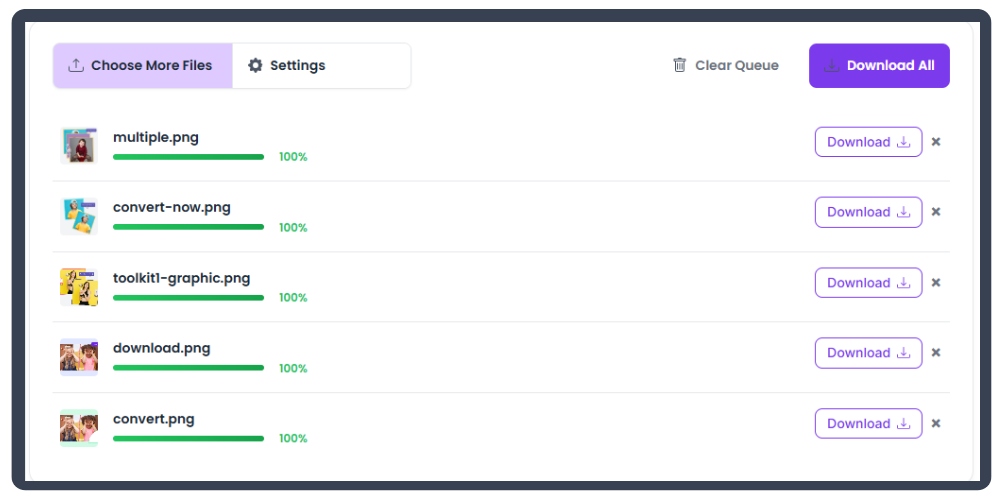
Converted Files

How to Convert GIF to PNG in 4 Steps

Convert your images instantly with our simple and fast online converter. Just select your format, upload files, convert, and download — all in a few clicks.

Select Format
Step 1

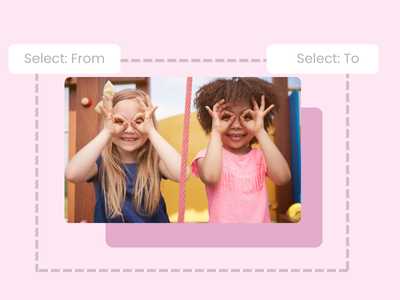
Select the format GIF to PNG

Choose the conversion format you want — from GIF to PNG.

Upload Files
Step 2

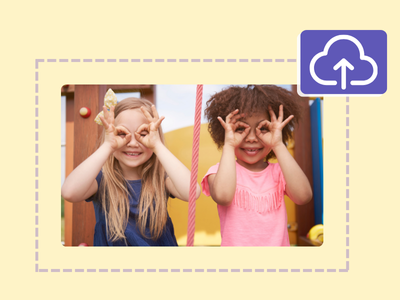
Upload GIF file(s)

Upload your GIF files using the 'Choose Files' button or drag and drop.

Convert Files
Step 3

Convert Uploaded Files

Click 'Start Conversion' to convert all files into PNG.

Download Files
Step 4

Download

Download your converted files individually or all at once.

Rate Your Experience – Let Us Know How We Did!

Your feedback would allow us to improve the platform and provide a better experience.

😍

Liked it? Give it a rating:

★★★★★

448+ people loved it

Other tools:

Best GIF to PNG Image Converter

Our tool is the premier photo conversion tool for users who want to quickly change GIF to PNG format with a minimal dip in image quality. It's simple, speedy, and can convert photos in batches. Plus, it includes a photo editor to touch up your pictures before swapping formats.
Step Image

100+ Image File Conversion Options

Our tool isn't limited to just the PNG format. You'll be able to convert your GIF images to TIFF, PDF, SVG, and more! You won't have to worry about a downgrade in image clarity either, since our tool mitigates quality loss as much as possible.

Step Image

All-in-One Design Suite

Beyond simple conversions, explore our full suite of design tools to bring your creative visions to life.

Step Image

Frequently Asked Questions

Simply drag and drop your GIF files into the uploader, or click the 'Choose Files' button. The conversion to PNG will start automatically. Once finished, you can download your new files.

Our tool is optimized to minimize quality loss during conversion. For formats like JPG, you can adjust the quality slider in the settings to balance file size and visual fidelity.

Our tool supports batch conversions. You can select multiple GIF files, and they will all appear in the processing queue. Click 'Start Conversion' to process them all at once.

Yes! After converting, you can use our integrated photo editor to make adjustments like cropping, resizing, or adding filters before you download the final image.

While many tools exist, ours stands out by offering high-quality conversions, batch processing, advanced settings, an integrated photo editor, and a commitment to user privacy, all for free.

Absolutely. All conversions happen directly in your browser. Your files are never uploaded to our servers, ensuring your data remains private and secure.